
All-In-One Quality L play Service
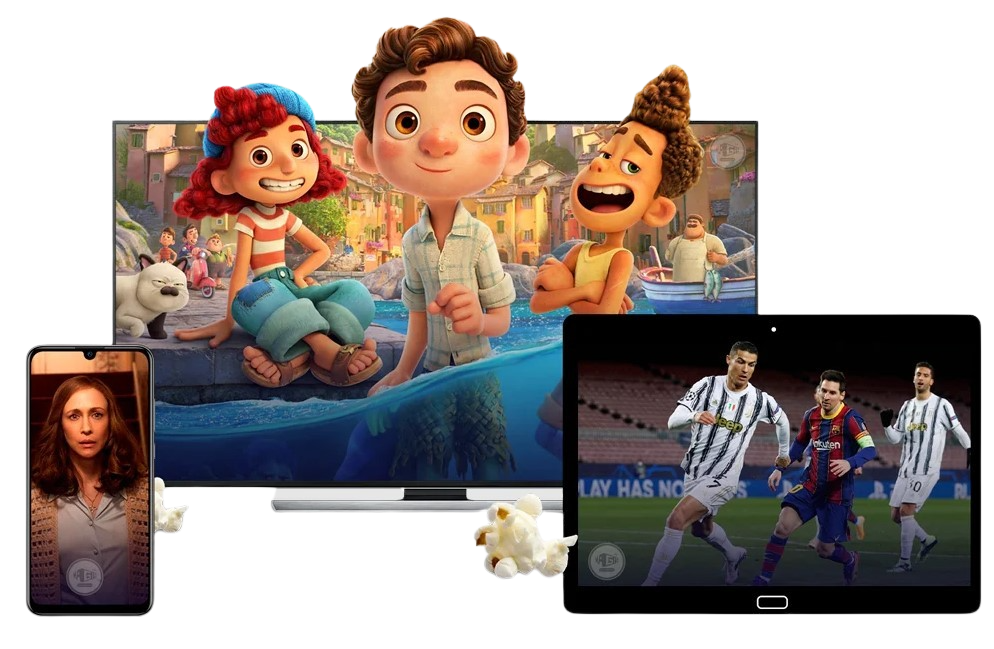
Enjoy your time with excellent image quality up to 4K, on any device, anytime and anywhere, with over +500 channels, +88,000 VOD and uptime 100%
3 Days Money Back
Still not sure? with our 3 days money back guarantee, you can try the quality of our Lplay plans.
+500 Channels
with more than 500 channels, we guarantee that you will find your favorite shows !
HD/4K/8K
Learn how to get the most of the tax system for both corporate and individual income.
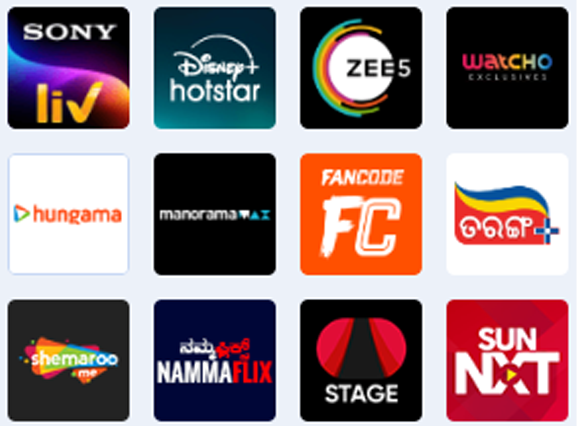
In Demand Movies, Shows, News & Sports All In One Packag








Watch sports, movies, and series unlimitedly wherever you want
- Watch sports, movies, and series unlimitedly wherever you want
- No knowledge required for installation.
- Technical support at your service 7 days a week.
- Content regularly updated.
- EPG and bouquets meticulously organized.
- Compatible with all your devices.
- Satisfied or refunded.
Choose Your Plan
+1 Free month on all plans !
1 Month
€ 9.99
- 500+ TV Channels
- Support All Devices
- 24/7 Live Support
- 1,00,000 + VOD
- TV Guide (EPG)
- HD , SD & FHD
- Indian Live channels
- Usually ready in 5-10mins
3 Month
€ 24.99
- 500+ TV Channels
- Support All Devices
- 24/7 Live Support
- 1,00,000 + VOD
- TV Guide (EPG)
- HD , SD & FHD
- Indian Live channels
- Usually ready in 5-10mins
6 Month
€ 39.99
- 500+ TV Channels
- Support All Devices
- 24/7 Live Support
- 1,00,000 + VOD
- TV Guide (EPG)
- HD , SD & FHD
- Indian Live channels
- Usually ready in 5-10mins
12 Month
€ 69.99
- 500+ TV Channels
- Support All Devices
- 24/7 Live Support
- 1,00,000 + VOD
- TV Guide (EPG)
- HD , SD & FHD
- Indian Live channels
- Usually ready in 5-10mins
Enjoy unlimited streaming of live matches






Customer Testimonials
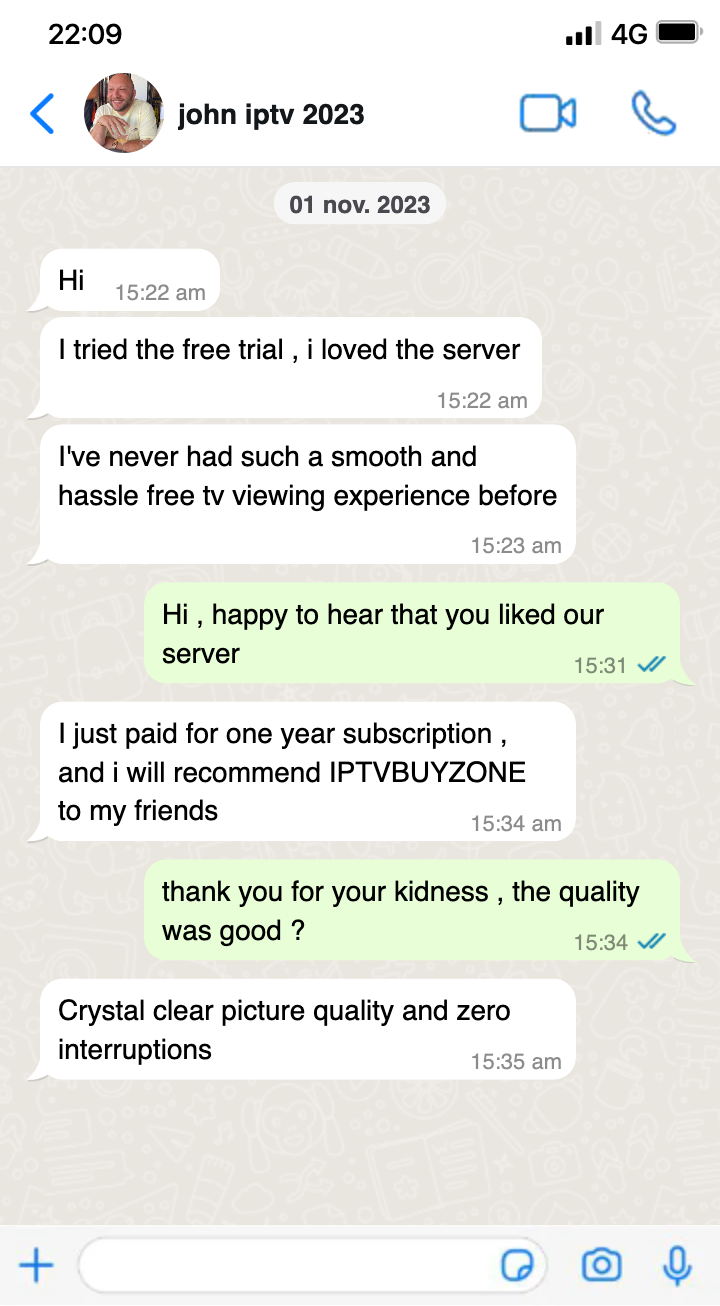
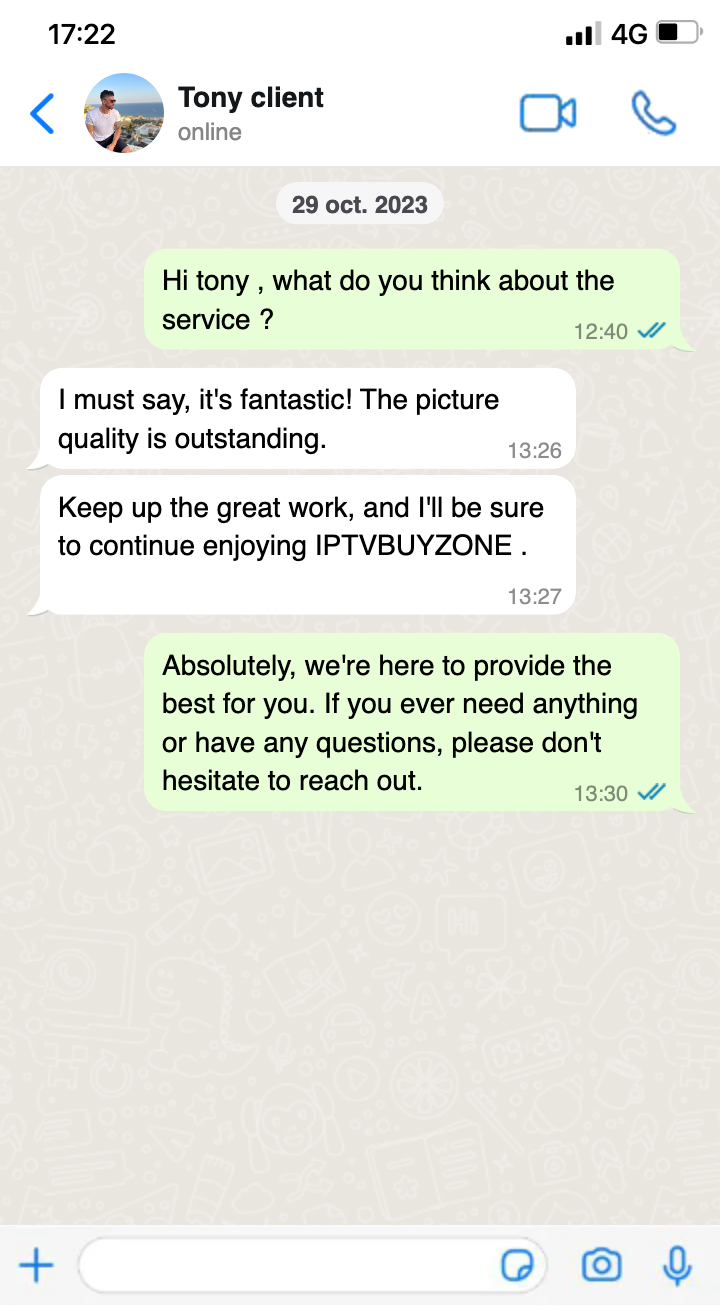
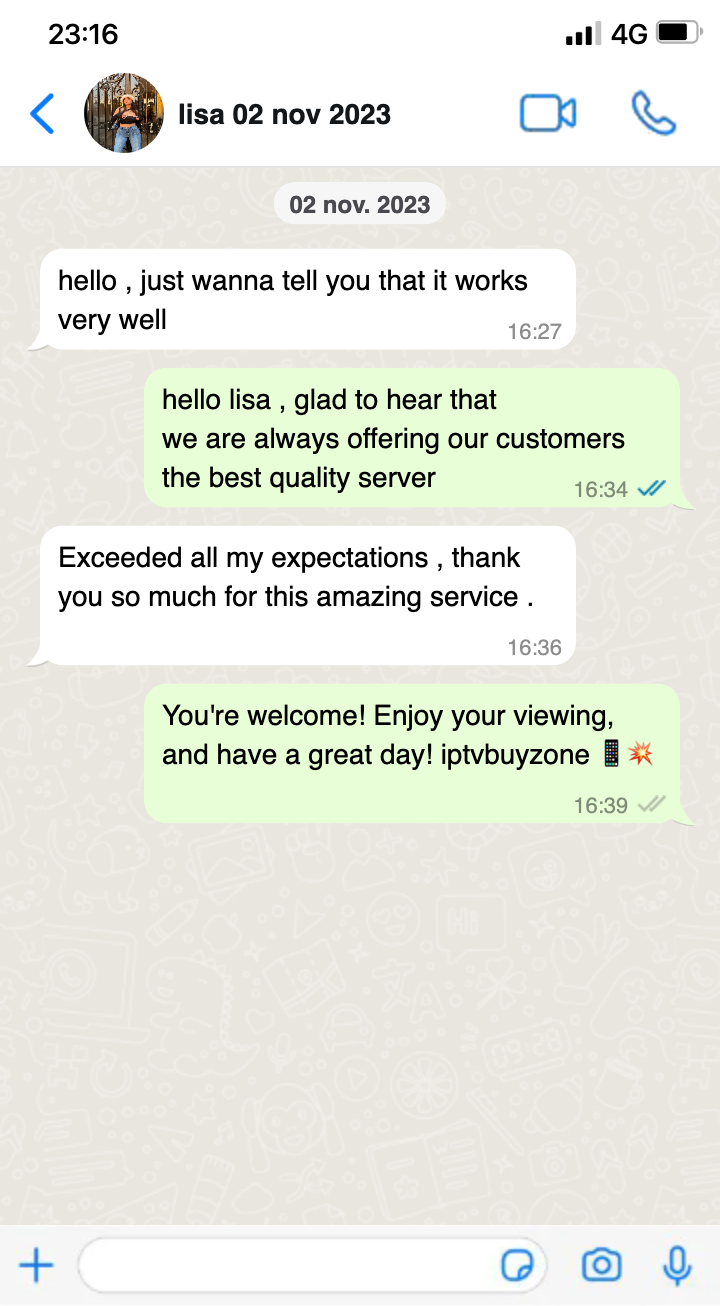
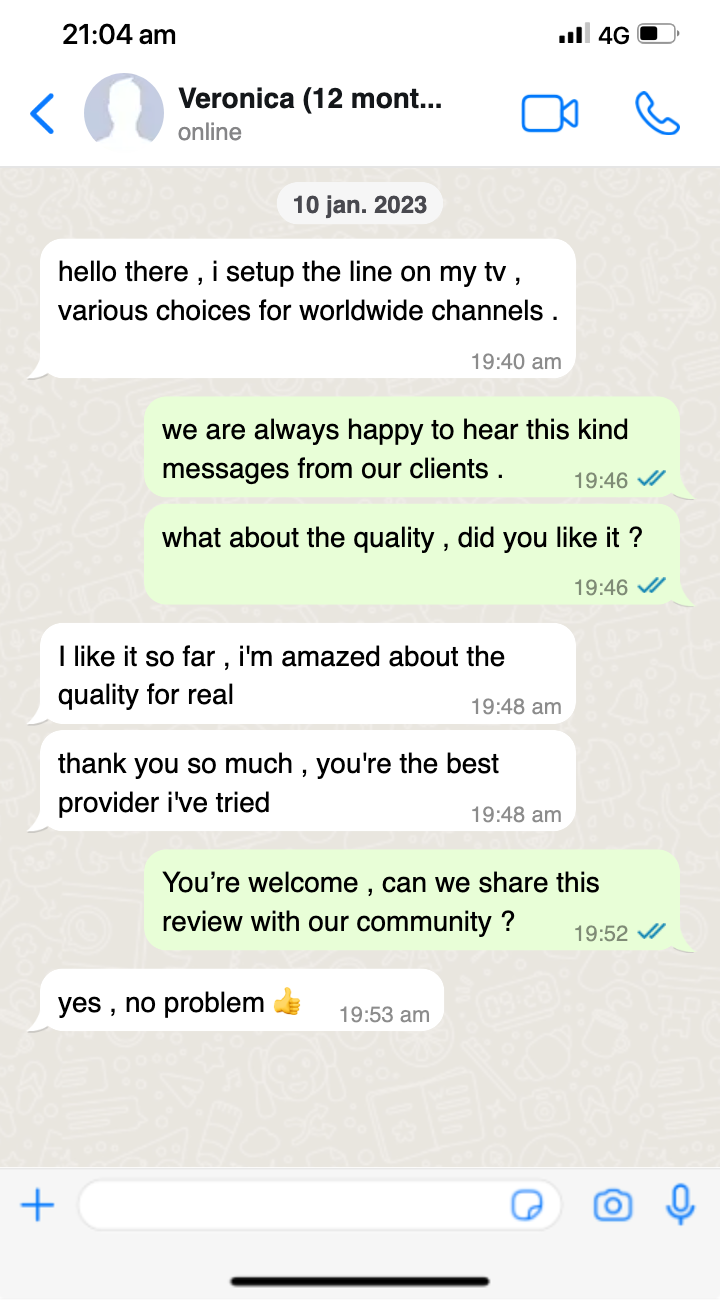
Frequently Asked Questions
How can I pay ?
Click edit button to change this text. Lorem ipsum dolor sit amet, consectetur adipiscing elit. Ut elit tellus, luctus nec ullamcorper mattis, pulvinar dapibus leo.
How to download Lplay App?
L play Supports in Android TV, Android mobiles and Tablets. Click the link (http://lplay.tv/Lplay.apk) and Installing it in your Devices requires Android 2.3 or Later Versions.
How to download Lplay App on firestick?
- Enable “Apps from Unknown Sources” in Amazon Fire Stick (Go to settings->Device->Developer Options->Apps from Unknown Sources->Select “ON”).
- Install the Downloader app from Fire TV store. (Go to search – Type”Downloader”).
- Once installed, open the Downloader App and Enter the code 3428564.
How to use Lplay App on Smart tv,Windows And Apple?
Download (https://vuplayer.pro) vu player pro app and contact you Agent to activate.
How many connections at once?
You can install the app up to 2 device(one ip address).